Home Networking
Wi-Fi, wired networks, internet access, and evidence-based troubleshooting.
Explore this topic →Field-tested guides for home networks, Wi-Fi, device security, backups, and everyday troubleshooting.
Choose a topic and follow a practical method for common problems, with clear limits and no exaggerated promises.
Wi-Fi, wired networks, internet access, and evidence-based troubleshooting.
Explore this topic →Maintenance, storage, and careful decisions before replacing a device.
Explore this topic →Protect accounts, files, devices, and personal information.
Explore this topic →Understand the standards and history behind everyday technology.
Explore this topic →Practical workflows for files, accessibility, search, and responsible AI use.
Explore this topic →Better coverage, stability, and security for your wireless network.
Explore this topic →Recent guides with diagnostic steps, context, limitations, and references for further reading.
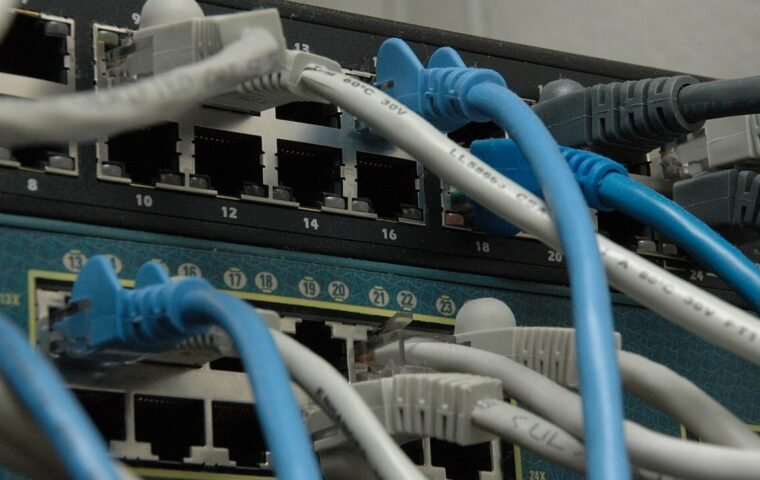
Use link speed, cable swaps, port comparisons, and local transfers to diagnose an Ethernet connection before replacing the router.
Read article →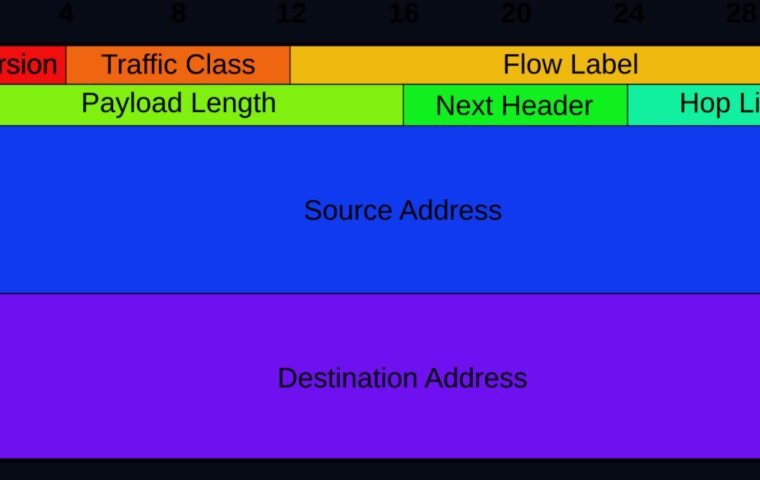
Verify addressing, DNS, and reachability separately before disabling IPv6 or changing router settings.
Read article →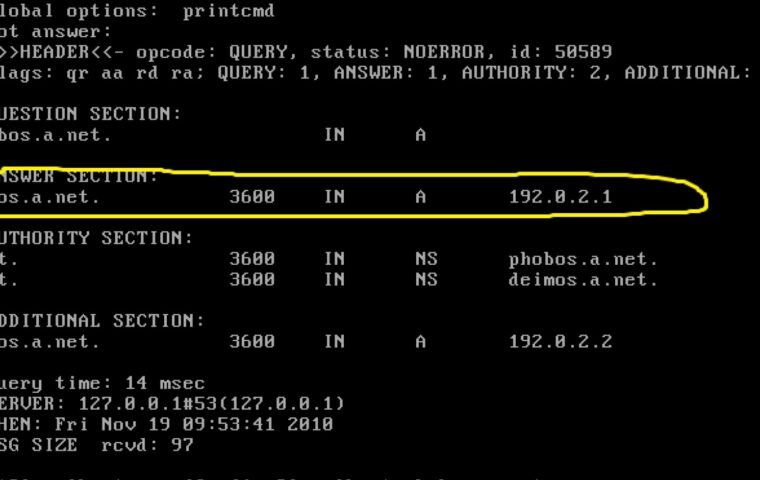
Determine whether a failure involves DNS, general connectivity, the browser, or one domain before changing resolver settings.
Read article →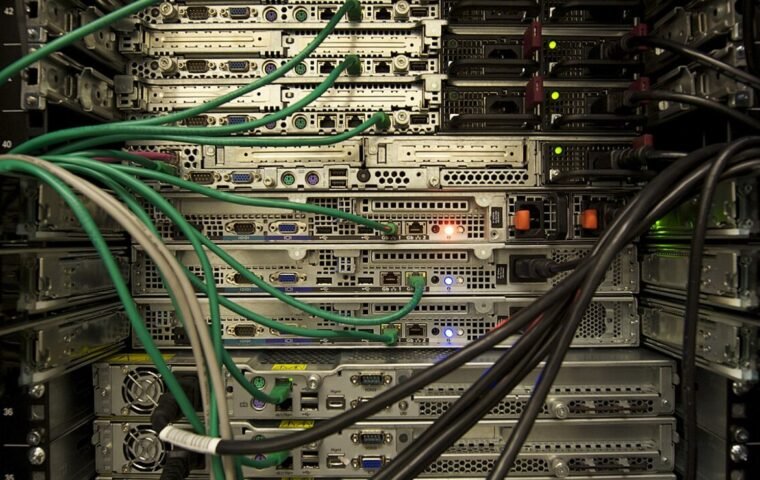
Use a controlled wired and wireless baseline to find whether a slowdown begins with the device, Wi-Fi, router, provider, or…
Read article →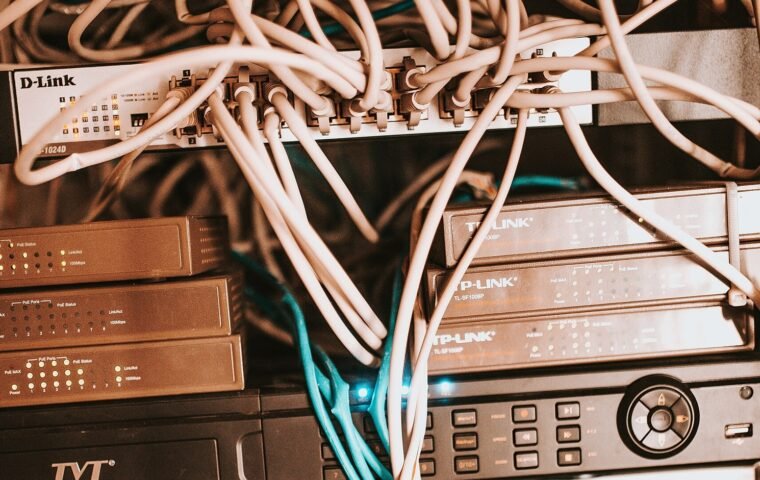
Discover the steps between typing a URL and seeing the page, including DNS, HTTPS, HTTP, resources, rendering, and caching.
Read article →
Learn about the evolution of CAPTCHA, its accessibility limits and the signs of fake verifications used in scams.
Read article →A few documented settings can reduce risk and make future troubleshooting easier.
Use a unique password and keep the management interface away from the public internet.
Use the strongest mode all of your required devices support, then document compatibility exceptions.
Updates can fix security flaws and stability problems; verify the vendor release notes first.
Guest or isolated networks can reduce unnecessary access between personal computers and smart devices.
Phishing, passwords, backups, and settings that reduce everyday risk.

See what disk encryption protects and how to prepare backup, recovery key, and hardware maintenance.
Read article →
Review browser extensions by purpose, origin, permissions and updates, removing components that have outlived their usefulness.
Read article →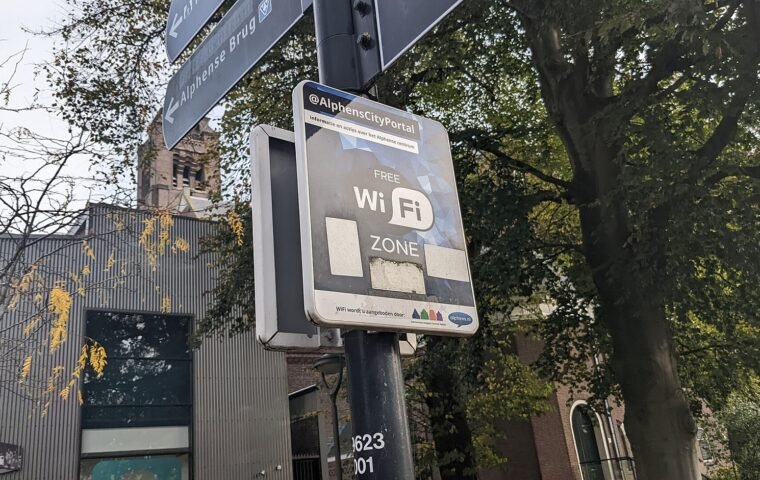
Use public networks more securely by confirming the access point, limiting shares, avoiding sensitive operations, and reviewing the connection.
Read article →Learn what throughput, latency, jitter, packet loss, and signal quality can actually tell you before changing a plan or buying new hardware.
Use the diagnostic guidesUnderstand speed, addressing, protocols, Wi-Fi, and the path between a device and the internet.
Use link speed, cable swaps, port comparisons, and local transfers to diagnose an Ethernet connection before replacing the router.
Read article →
Verify addressing, DNS, and reachability separately before disabling IPv6 or changing router settings.
Read article →
Determine whether a failure involves DNS, general connectivity, the browser, or one domain before changing resolver settings.
Read article →Diagnose storage, battery, and reliability problems before spending money on a replacement.
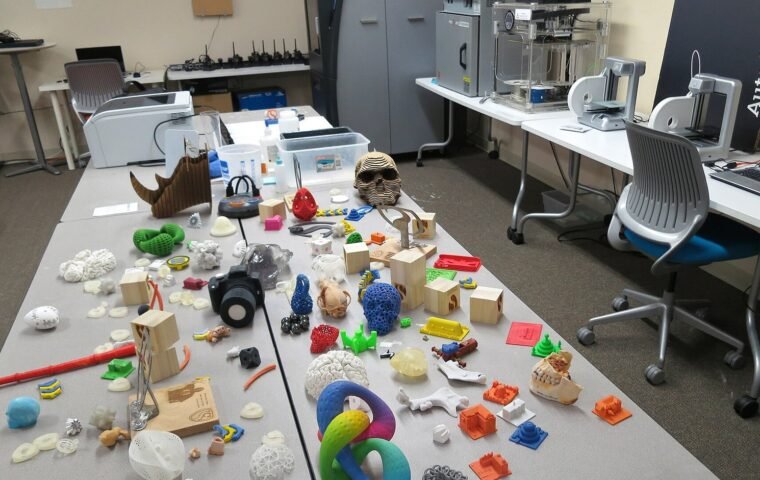
Follow the path from model to printed object, through slicing, orientation, supports, material and calibration.
Read article →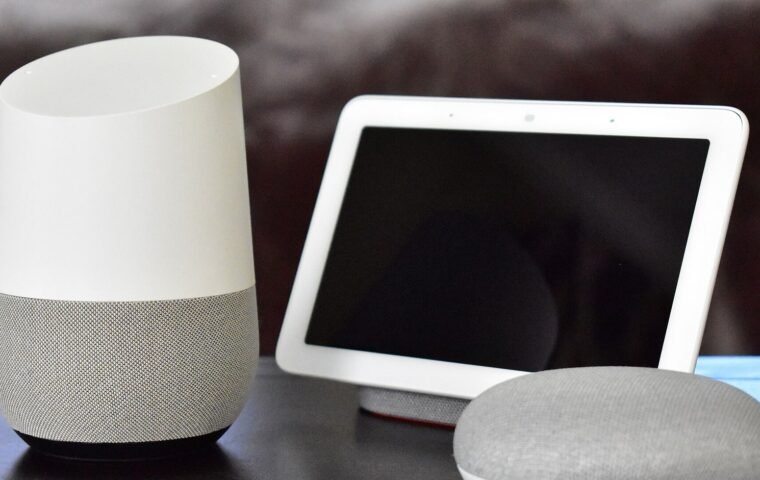
Understand how Matter, Wi-Fi and Thread relate and what to check about the hub, controller and compatibility before purchasing.
Read article →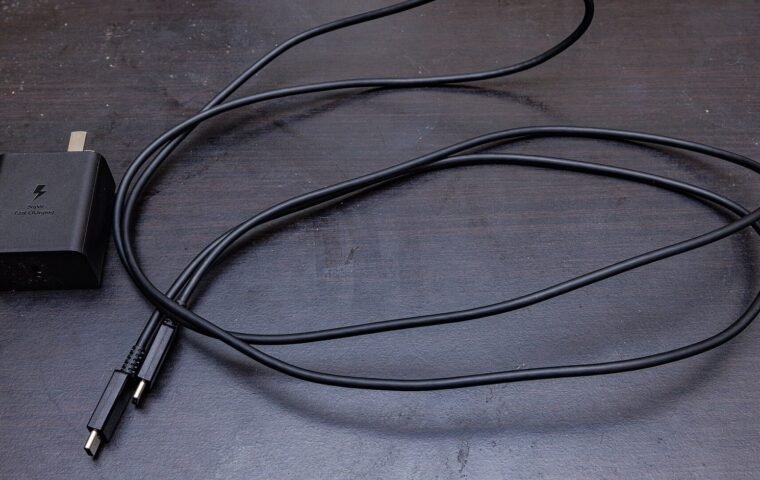
Learn how source, cable, device, protocol and temperature define the real speed of fast charging.
Read article →Step-by-step procedures with expected results, stopping points, and safer rollback steps.
Use link speed, cable swaps, port comparisons, and local transfers to diagnose an Ethernet connection before replacing the router.
Read the guide →Verify addressing, DNS, and reachability separately before disabling IPv6 or changing router settings.
Read the guide →Determine whether a failure involves DNS, general connectivity, the browser, or one domain before changing resolver settings.
Read the guide →Explore the inventions, standards, and trade-offs behind modern communication.
Learn about the evolution of CAPTCHA, its accessibility limits and the signs of fake verifications used in scams.
Read article →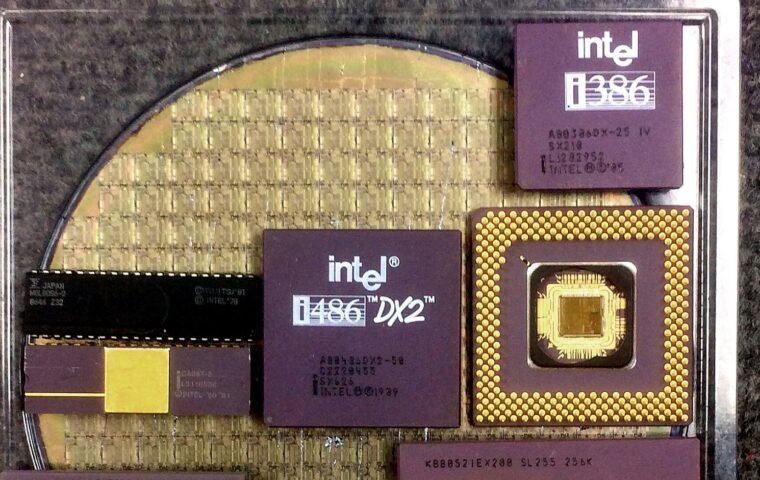
Learn about the passage from valves to transistors, integrated circuits and microprocessors and understand what a CPU performs.
Read article →File organization, research, accessibility, and responsible use of AI in everyday work.

Protect your data and forward electronics correctly with copies, account removal, restoration and reverse logistics.
Read article →Get new diagnostic guides and editorial updates. No daily promotions.