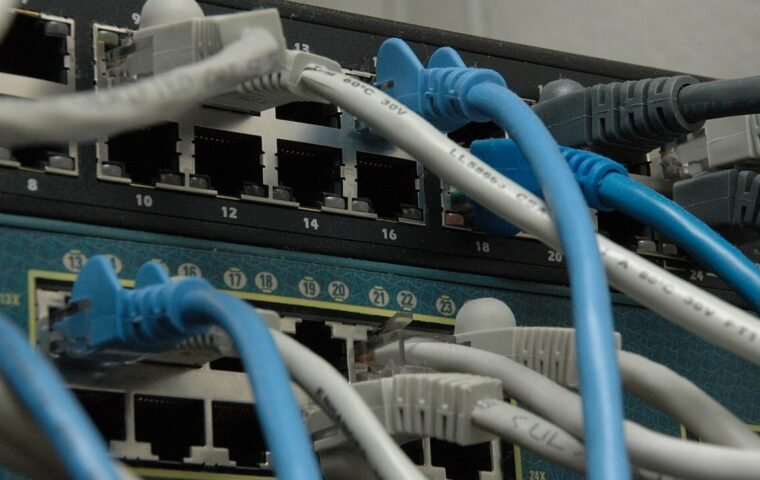
Ethernet Is Connected but Slow: Check the Negotiated Link First
Use link speed, cable swaps, port comparisons, and local transfers to diagnose an Ethernet connection before replacing the router.
Read article →Browse field guides and explainers about this topic.
Use link speed, cable swaps, port comparisons, and local transfers to diagnose an Ethernet connection before replacing the router.
Read article →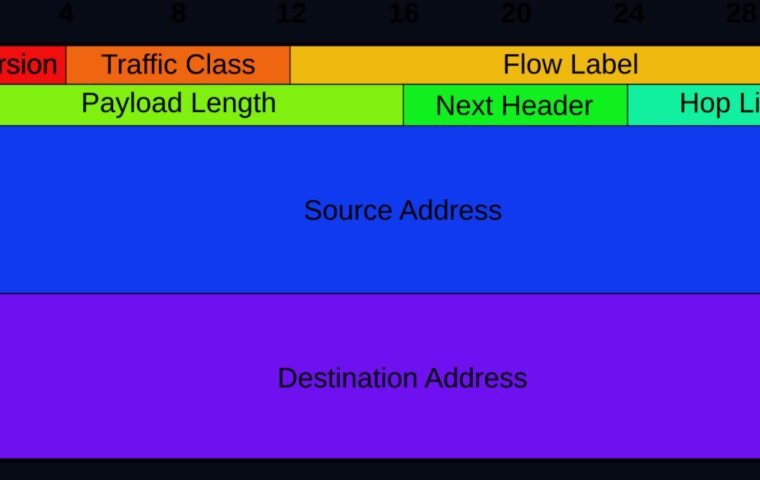
Verify addressing, DNS, and reachability separately before disabling IPv6 or changing router settings.
Read article →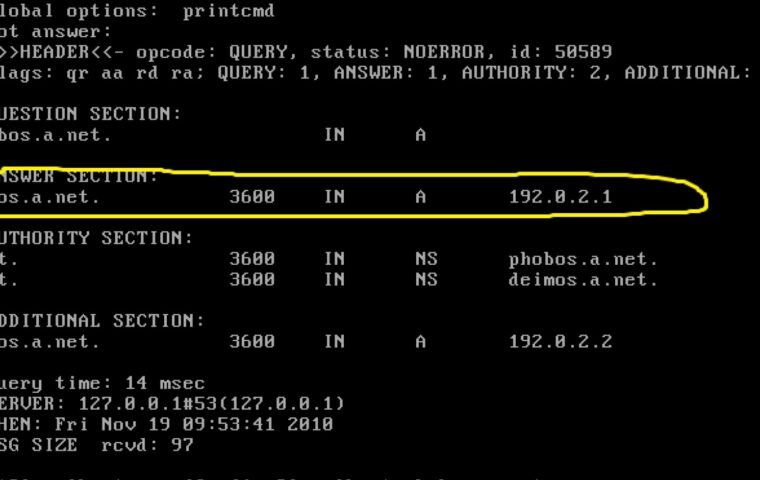
Determine whether a failure involves DNS, general connectivity, the browser, or one domain before changing resolver settings.
Read article →
Use a controlled wired and wireless baseline to find whether a slowdown begins with the device, Wi-Fi, router, provider, or destination.
Read article →
Discover the steps between typing a URL and seeing the page, including DNS, HTTPS, HTTP, resources, rendering, and caching.
Read article →
Organize smart devices with inventory, protected accounts, separate networking, updates, and a plan for failure and disposal.
Read article →