A speed result is useful only when you know where it was measured and what else was using the connection. This guide builds a small comparison set before recommending any purchase.
Define the symptom#
Record the affected device, room, application, time, and whether the problem is low throughput, delay, disconnections, or slow page response. These symptoms can share an appearance while coming from different layers.
For this step, write down what you expected, what actually happened, and whether the result was repeatable. A single successful attempt can be useful, but it is not yet a stable conclusion. Repeat the smallest safe test before moving to the next layer.
Build a wired baseline#
Connect one capable computer directly to the main router with a known-good Ethernet cable. Pause large transfers, verify the negotiated link speed, then run several measurements to the same nearby test server.
For this step, write down what you expected, what actually happened, and whether the result was repeatable. A single successful attempt can be useful, but it is not yet a stable conclusion. Repeat the smallest safe test before moving to the next layer.
Compare Wi-Fi without changing settings#
Repeat beside the router and in the problem room with the same device. A strong wired result and weak nearby Wi-Fi point toward radio or client configuration; a drop only in the distant room points toward coverage.
For this step, write down what you expected, what actually happened, and whether the result was repeatable. A single successful attempt can be useful, but it is not yet a stable conclusion. Repeat the smallest safe test before moving to the next layer.
Separate provider and destination#
Test at different times and compare several reputable services. If only one service is slow, the home network may be healthy. If wired measurements fall together during busy hours, preserve the results for the provider.
For this step, write down what you expected, what actually happened, and whether the result was repeatable. A single successful attempt can be useful, but it is not yet a stable conclusion. Repeat the smallest safe test before moving to the next layer.
How to keep the test controlled#
A home network crosses several administrative boundaries: the device, local link, router, access equipment, provider, and destination. A result should identify the last layer known to work. Keep local tests separate from internet tests, note whether Ethernet and Wi-Fi agree, and avoid factory resets until settings and credentials are backed up. If equipment belongs to the provider, confirm which changes you are allowed to make.
Use a simple worksheet with five columns: time, starting condition, action, observable result, and rollback status. Attach screenshots only when they show the relevant setting or error. This record prevents circular troubleshooting and gives support a concise history of what has already been ruled out.
Decision checkpoint#
Replace hardware only after a repeatable comparison identifies its limit. A faster plan cannot repair poor coverage, and a new router cannot repair a congested external service.
What this guide does not prove#
A browser speed test does not reproduce every game, call, or file transfer. It also cannot prove provider responsibility without repeated measurements and a verified local baseline.
Document the result#
Keep a short record with the date, device and software versions, original setting, change, result, and whether you restored it. Remove account names, addresses, serial numbers, public IP addresses, and other personal data before sharing screenshots with a forum or support team.
Related Portal Tech field guides#
- Router Placement: A Room-by-Room Measurement Plan
- 2.4, 5, or 6 GHz: Choose the Band for the Job
- Wi-Fi Channel Width and Interference: When Wider Is Worse
References#
Questions readers usually ask#
Should I change several settings to save time?#
No. Multiple simultaneous changes make the result difficult to interpret and can create a second problem. Preserve a baseline and retest after each meaningful change.
When should I contact support?#
Contact the responsible provider or manufacturer when the fault is reproducible, the documented safe steps are exhausted, the equipment reports a safety warning, or the required action exceeds your access or experience.
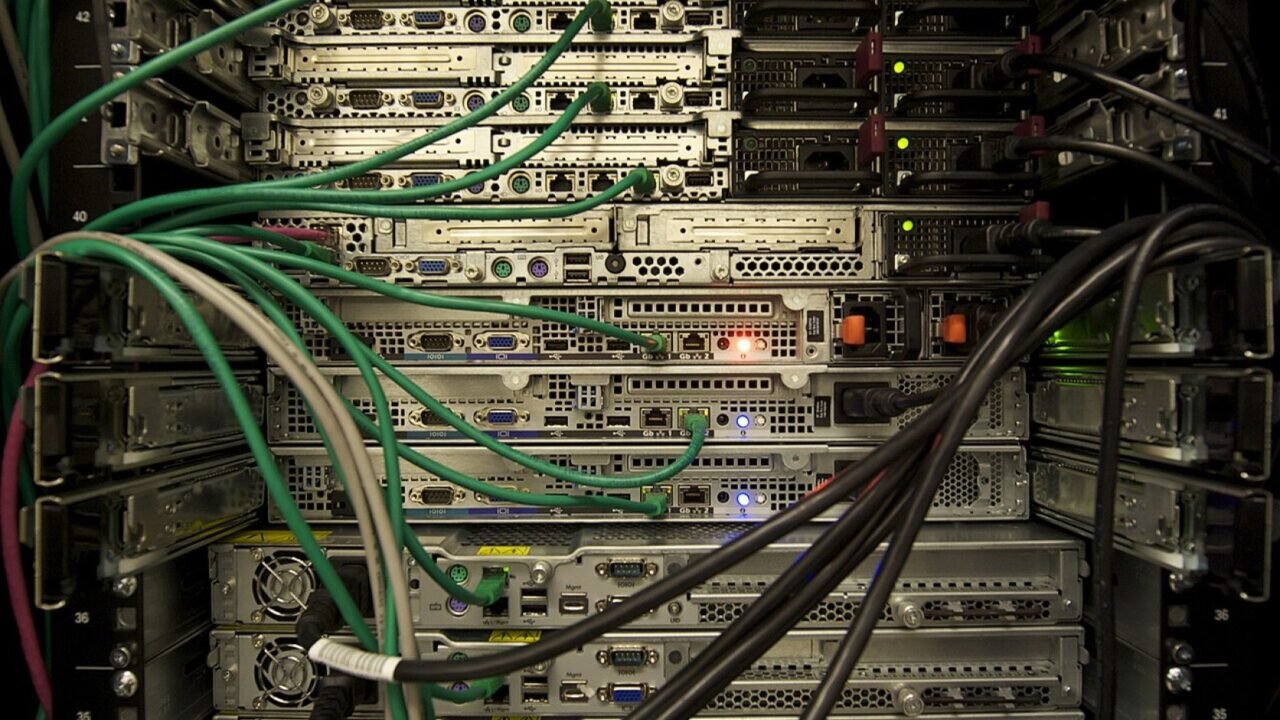
Featured image: Servers in a Rack.jpg — CC BY-SA 3.0, via Wikimedia Commons. Cropped for this article. Source and licence details.