A router moved a few meters can outperform a more expensive model placed behind furniture. The goal is to compare locations without changing channel, bandwidth, and hardware at the same time.
Draw a simple floor plan#
Mark the router, work areas, bedrooms, thick walls, mirrors, metal cabinets, and floors. Choose fixed test points and use the same device orientation at each point.
For this step, write down what you expected, what actually happened, and whether the result was repeatable. A single successful attempt can be useful, but it is not yet a stable conclusion. Repeat the smallest safe test before moving to the next layer.
Record a baseline#
At every point, record signal information, latency to the router, latency to a stable internet destination, throughput, and disconnections. Repeat during a quiet period and the usual busy period.
For this step, write down what you expected, what actually happened, and whether the result was repeatable. A single successful attempt can be useful, but it is not yet a stable conclusion. Repeat the smallest safe test before moving to the next layer.
Test realistic candidate positions#
Raise the router into the open and move it toward the center while keeping its power, cable, and ventilation safe. Retest the same points instead of judging by the number of icon bars.
For this step, write down what you expected, what actually happened, and whether the result was repeatable. A single successful attempt can be useful, but it is not yet a stable conclusion. Repeat the smallest safe test before moving to the next layer.
Choose for the weakest important room#
The average can improve while a home office becomes unusable. Weight rooms by their real traffic and preserve wired connections for fixed high-demand devices when possible.
For this step, write down what you expected, what actually happened, and whether the result was repeatable. A single successful attempt can be useful, but it is not yet a stable conclusion. Repeat the smallest safe test before moving to the next layer.
How to keep the test controlled#
Radio results change with location, orientation, neighboring activity, and client hardware. Run at least three passes at each fixed point, report the median rather than the best number, and include latency or packet loss when the real complaint involves calls or games. Preserve security settings while testing performance. Never weaken encryption or expose the administrator interface as a speed experiment.
Use a simple worksheet with five columns: time, starting condition, action, observable result, and rollback status. Attach screenshots only when they show the relevant setting or error. This record prevents circular troubleshooting and gives support a concise history of what has already been ruled out.
Decision checkpoint#
Add an access point or mesh node only when no practical central position serves the required rooms. Plan how the additional node connects back to the main router.
What this guide does not prove#
A coverage map cannot predict a neighbor’s future interference or guarantee application performance. Signal strength is only one part of airtime quality.
Document the result#
Keep a short record with the date, device and software versions, original setting, change, result, and whether you restored it. Remove account names, addresses, serial numbers, public IP addresses, and other personal data before sharing screenshots with a forum or support team.
Related Portal Tech field guides#
- Slow Internet or Slow Wi-Fi? A Test That Isolates the Bottleneck
- Mesh, Access Point, or Extender? A Decision Guide for Real Homes
- Wi-Fi Channel Width and Interference: When Wider Is Worse
References#
Questions readers usually ask#
Should I change several settings to save time?#
No. Multiple simultaneous changes make the result difficult to interpret and can create a second problem. Preserve a baseline and retest after each meaningful change.
When should I contact support?#
Contact the responsible provider or manufacturer when the fault is reproducible, the documented safe steps are exhausted, the equipment reports a safety warning, or the required action exceeds your access or experience.
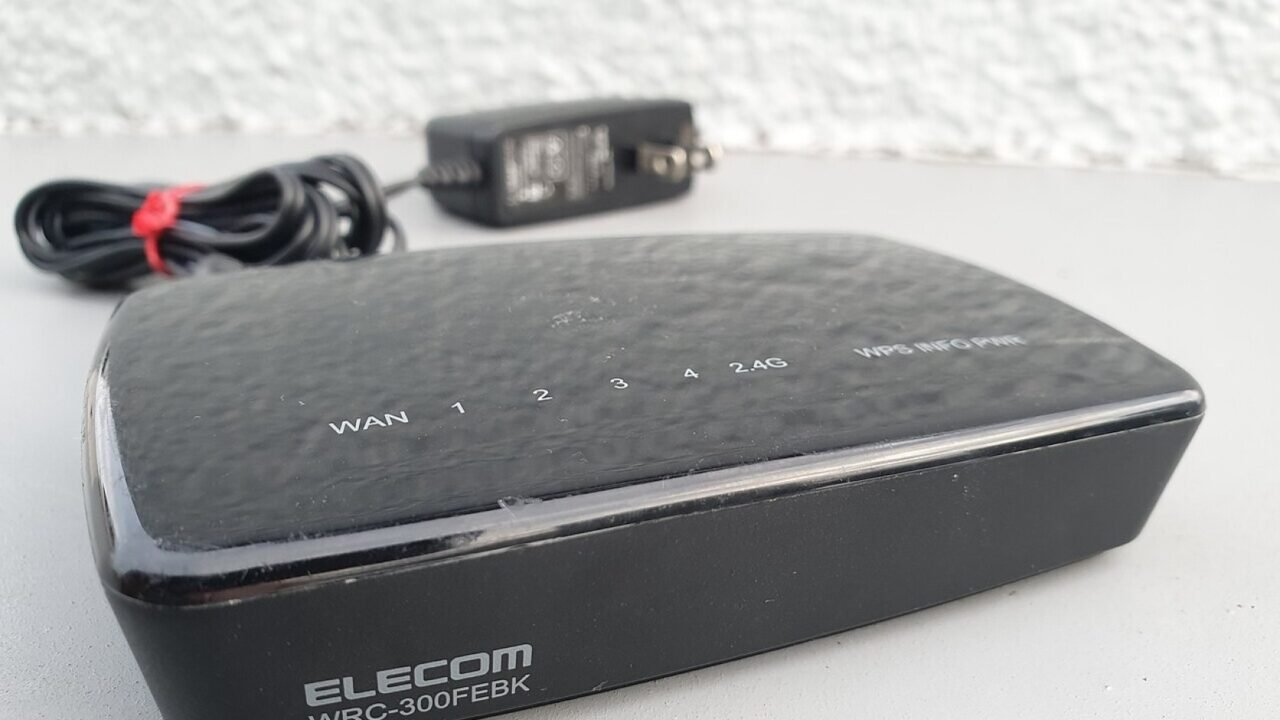
Featured image: ELECOM WRC-300FEBK WPS WiFi router 2.jpg — CC0, via Wikimedia Commons. Cropped for this article. Source and licence details.