Lamps, sockets, cameras, televisions, voice assistants and connected appliances increase the number of devices that depend on the router and external services. Each item can have its own app, account, microphone, storage, or remote access. Connected home security starts less with purchasing an “advanced” product and more with the ability to know what is installed and how to remove access when it is no longer necessary.
A simple inventory, update and network separation routine reduces problems and facilitates maintenance. It also makes visible something that packaging rarely highlights: part of the functions may depend on the manufacturer continuing to operate servers and distribute updates.
Make an Inventory You Can Maintain#
Write down the name of the device, environment, brand, application used, responsible account, date of purchase and reset method. Record whether it uses Wi-Fi, cable, Bluetooth, or a hub. Store receipt and manual in a digital folder, without mixing passwords with shared documents.
Inventory helps when a password changes, a router is replaced, or a product is sold. It also allows you to identify unknown devices in the router’s list. A generic name may be legitimate, but it needs to be related to a physical item before it can be ignored.
Change Default Credentials and Protect Account#
If the device has its own password, replace the initial credential. For your manufacturer account, use a unique password and enable two-step verification when available. Don’t share the main account with the entire family if the platform allows guests or members with separate permissions.
Review which people and integrations still have access. An old automation, installer account, or third-party service may remain logged in even after use ends. The application permissions guide shows the same logic applied to camera, microphone and location on the cell phone.
Use a Separate Network When Your Router Allows#
A guest network or a specific network for connected devices can prevent these devices from talking freely to computers and personal files. Separation depends on the router: some isolate clients; others just create another name with similar access to the mainnet.
Consult the manual and test. Connect a control device to the expected network, verify that the automation works, and try to access a local resource that should be isolated. CERT.br explains networks and the separation of less reliable devices. The guest network article helps turn this recommendation into a home setup.
Update Without Relying Only on Memory#
Enable automatic updates when the manufacturer documents the feature and keep the controller application updated. Once a month, open the device list and check for warnings. Products that remain unused for months also deserve updating before returning to the network.
Research the support policy before purchasing. The existence of a clear updates page, a security channel and a reset procedure weighs more than generic phrases on the packaging. When a device is no longer supported, evaluate whether it can function locally, be isolated, or should be replaced.
Review Cameras, Microphones & History#
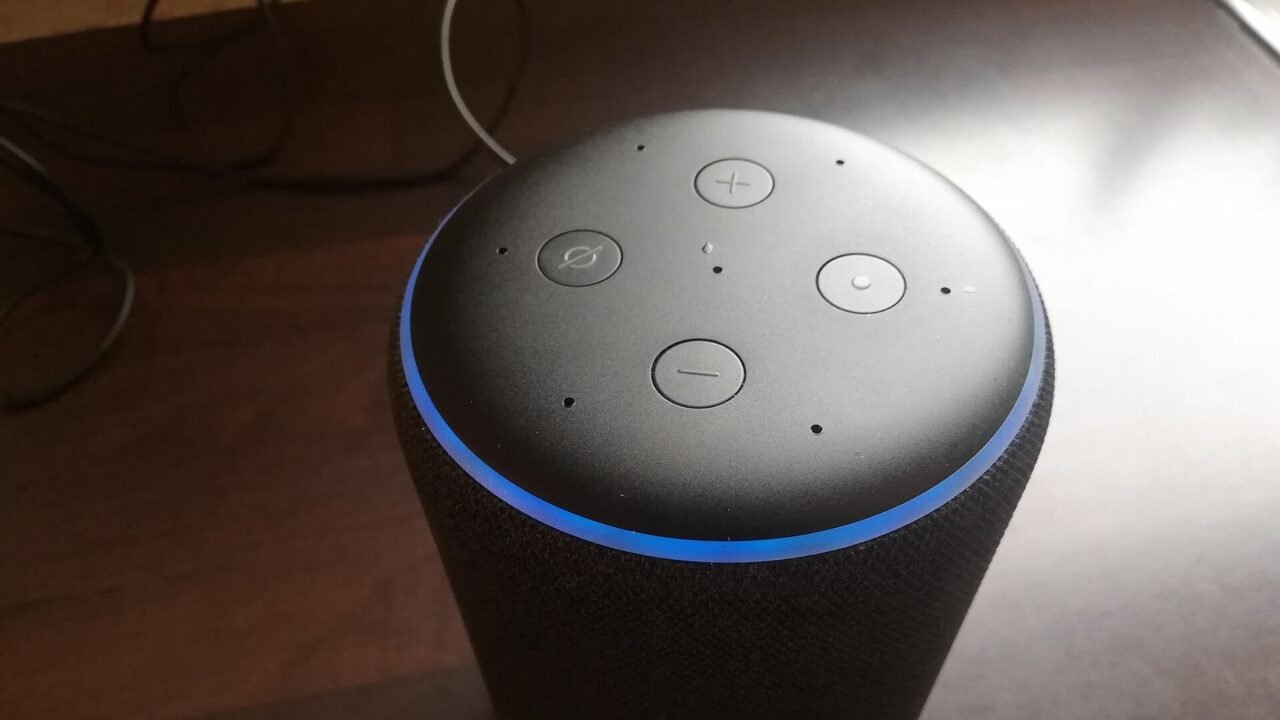
On cameras and doorbells, check who can see broadcasts and recordings, how long the history is kept, and where the files are stored. In voice assistants, review recordings, person recognition, and command purchases. On televisions, watch for collection of usage data and permissions for installed apps.
Disable features that are not part of the chosen purpose. A smart outlet doesn’t necessarily need continuous location once it’s set up. Some platforms use cell phone location for presence automation; in this case, document why the permission exists and who participates in it.
Plan for Internet and Manufacturer Outages#
Test what happens when the internet goes down. Do physical switches still work? Does the lock open with a key? Does the sensor maintain local alarm? A connected home needs alternatives for essential functions, especially access, lighting and security.
Also consider terminating the service. Products that rely entirely on the cloud may lose features if the company discontinues the platform. Local integrations and broad standards can reduce dependency, but they do not eliminate the need for updates and support.
Matter and Thread are not the same thing#
Matter is an interoperability standard for smart home devices. Thread is a low-power networking technology used by some products; other Matter devices use Wi-Fi or Ethernet. A Thread device may need an edge router to reach the home network.
Google’s page on preparing your home for Matter describes these differences and hub types. The standard can facilitate configuration and control across platforms, but the seal does not replace a password, update, privacy policy or manufacturer evaluation. The specific guide on how Matter organizes the connected home delves into this choice.
Prepare Exit Before Selling Or Discarding#
Remove the device from the account, delete automations, remove memory cards and perform factory reset according to the manual. Then confirm in the application that it no longer appears. If there are recordings in the cloud, also review the history and subscription.
For items with personal storage or accounts, apply the copies, accounts, and restore used before selling a cell phone sequence. The interface changes, but the principle remains: transfer what matters, remove links and confirm the final state.
Conclusion#
A well-organized smart home has inventory, protected accounts, a segmented network when possible, verifiable updates, and workarounds for failures. Camera and microphone features receive additional review, and each device has an output plan.
Buying fewer devices but understanding them better often produces a more stable experience. Useful automation is one that remains controllable when the application changes, the internet fails, or the product needs to be replaced.
Frequently Asked Questions#
Does Every Smart Device Need a Separate Network?#
It’s not an absolute rule, but separation reduces the scope of a problem. It is especially useful for devices with limited support or that do not need access to personal computers.
Does unplugging the device remove access?#
Interrupts the connection while it is without power, but does not delete accounts, recordings, permissions or integrations stored in the service.
Does Matter Make the Product Automatically Safe?#
The standard includes mechanisms for communication and configuration, but security also depends on implementation, updates, account, network, and manufacturer.
Featured image: Photo: Smart Home Perfected — CC BY 2.0, via Wikimedia Commons. Cropped for the featured image. Source and attribution.