All three options can extend coverage, but they move traffic and coordinate clients differently. The right choice begins with the available backhaul and the shape of the dead zone.
Prefer a wired access point when possible#
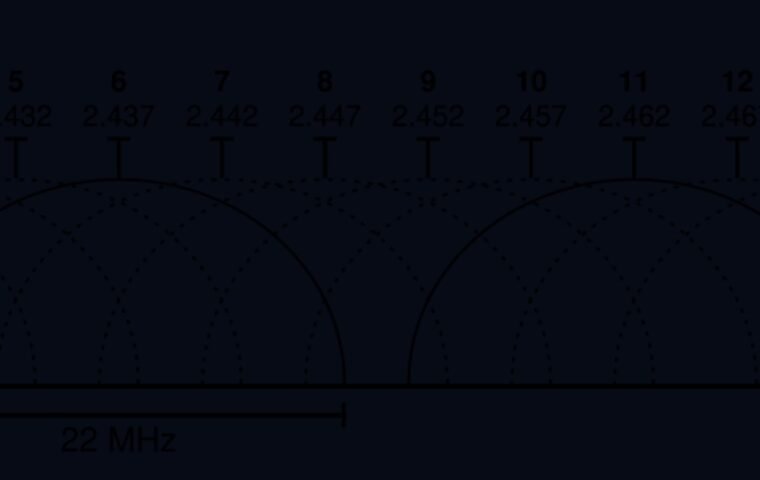
Ethernet gives the additional radio a predictable path to the main network. Use the same security policy and plan channels so nearby radios do not compete unnecessarily.
For this step, write down what you expected, what actually happened, and whether the result was repeatable. A single successful attempt can be useful, but it is not yet a stable conclusion. Repeat the smallest safe test before moving to the next layer.
Use mesh for coordinated multi-room coverage#
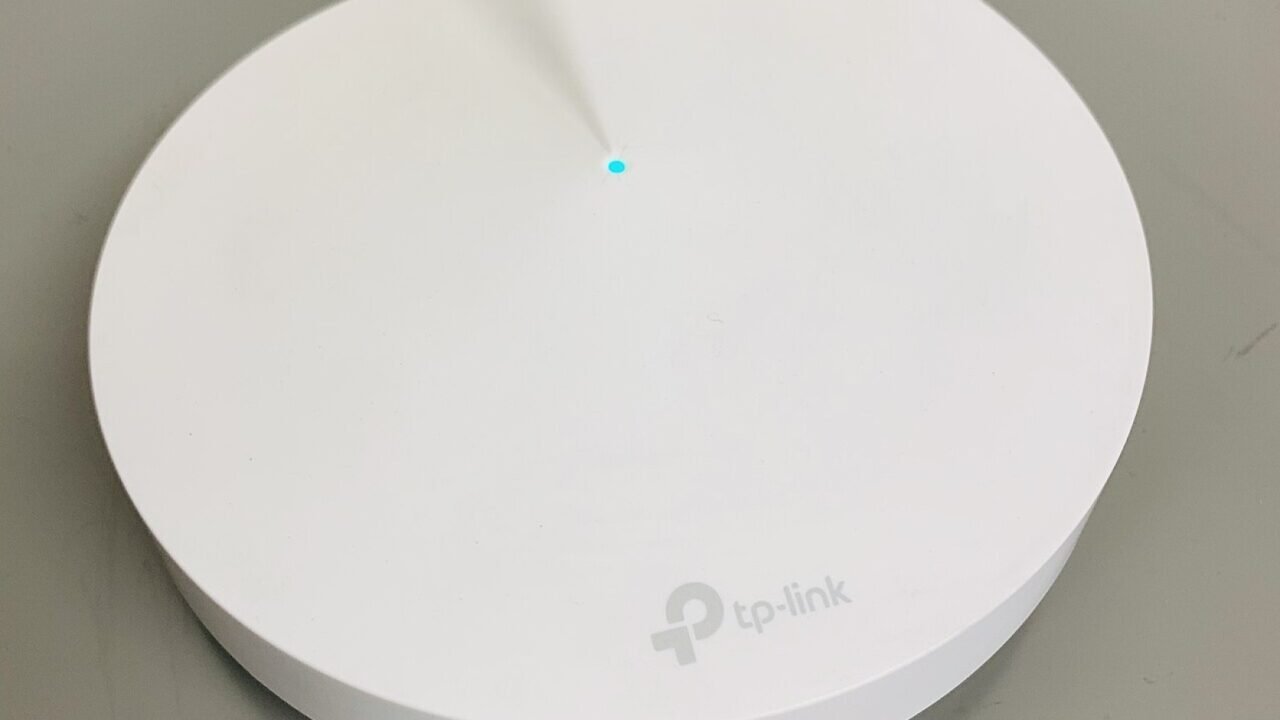
A matched mesh system can simplify management and roaming. Node placement still matters: a wireless node needs a good upstream connection, so placing it inside the dead zone usually repeats the weak link.
For this step, write down what you expected, what actually happened, and whether the result was repeatable. A single successful attempt can be useful, but it is not yet a stable conclusion. Repeat the smallest safe test before moving to the next layer.
Treat extenders as targeted compromises#
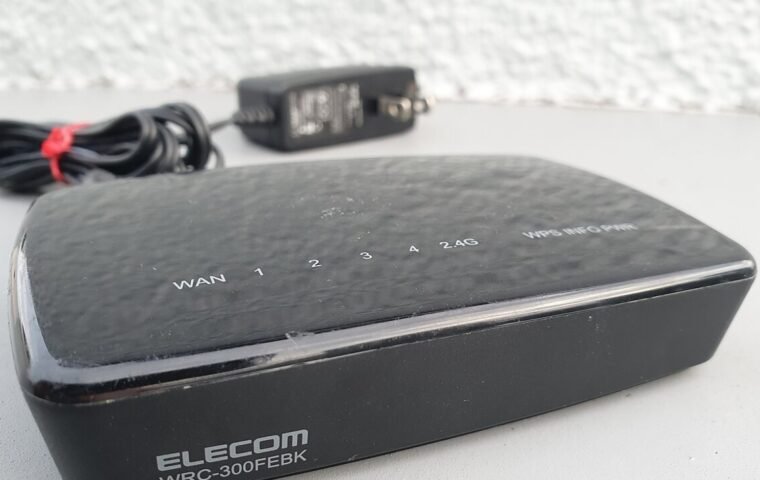
A basic extender can help a low-demand area, but retransmitting on the same radio can consume airtime and create confusing network names. Test calls and roaming, not only a speed result beside the device.
For this step, write down what you expected, what actually happened, and whether the result was repeatable. A single successful attempt can be useful, but it is not yet a stable conclusion. Repeat the smallest safe test before moving to the next layer.
Avoid accidental double routing#
A second router in router mode can create another NAT and DHCP domain. If it is meant only to provide Wi-Fi, use its documented access-point or bridge mode.
For this step, write down what you expected, what actually happened, and whether the result was repeatable. A single successful attempt can be useful, but it is not yet a stable conclusion. Repeat the smallest safe test before moving to the next layer.
How to keep the test controlled#
Radio results change with location, orientation, neighboring activity, and client hardware. Run at least three passes at each fixed point, report the median rather than the best number, and include latency or packet loss when the real complaint involves calls or games. Preserve security settings while testing performance. Never weaken encryption or expose the administrator interface as a speed experiment.
Use a simple worksheet with five columns: time, starting condition, action, observable result, and rollback status. Attach screenshots only when they show the relevant setting or error. This record prevents circular troubleshooting and gives support a concise history of what has already been ruled out.
Decision checkpoint#
Choose the simplest design that covers important rooms and that you can update, reset, and troubleshoot. Write down node names, locations, backhaul, and administrator access.
What this guide does not prove#
Marketing coverage figures do not include your walls, interference, or client radios. Seamless roaming is influenced by both network coordination and client behavior.
Document the result#
Keep a short record with the date, device and software versions, original setting, change, result, and whether you restored it. Remove account names, addresses, serial numbers, public IP addresses, and other personal data before sharing screenshots with a forum or support team.
Related Portal Tech field guides#
- Router Placement: A Room-by-Room Measurement Plan
- 2.4, 5, or 6 GHz: Choose the Band for the Job
- Wi-Fi Channel Width and Interference: When Wider Is Worse
References#
Questions readers usually ask#
Should I change several settings to save time?#
No. Multiple simultaneous changes make the result difficult to interpret and can create a second problem. Preserve a baseline and retest after each meaningful change.
When should I contact support?#
Contact the responsible provider or manufacturer when the fault is reproducible, the documented safe steps are exhausted, the equipment reports a safety warning, or the required action exceeds your access or experience.
Featured image: Wi-Fi mesh system Deco M9 Plus.jpg — CC BY-SA 4.0, via Wikimedia Commons. Cropped for this article. Source and licence details.