Synchronization keeps devices convenient, but it can also copy deletion, corruption, or ransomware damage. A backup is valuable when it preserves an independent recovery path.
List what cannot be replaced#
Identify documents, photos, projects, account recovery codes, and configuration exports. Record where each original lives and how much data changes between backups.
For this step, write down what you expected, what actually happened, and whether the result was repeatable. A single successful attempt can be useful, but it is not yet a stable conclusion. Repeat the smallest safe test before moving to the next layer.
Choose independent failure boundaries#
Combine a local copy with another copy that is disconnected or held by a separate service. Consider device theft, account lockout, accidental deletion, and regional outage rather than only drive failure.
For this step, write down what you expected, what actually happened, and whether the result was repeatable. A single successful attempt can be useful, but it is not yet a stable conclusion. Repeat the smallest safe test before moving to the next layer.
Define retention and encryption#
Decide how many older versions you need and how long deleted files remain recoverable. Store encryption keys and recovery instructions separately from the protected device, with access for the appropriate trusted person.
For this step, write down what you expected, what actually happened, and whether the result was repeatable. A single successful attempt can be useful, but it is not yet a stable conclusion. Repeat the smallest safe test before moving to the next layer.
Perform a recovery drill#
Select files from different dates and formats, restore them to a new folder, open them, and compare expected contents. Record the time, missing permissions, and steps required to recover an entire account or device.
For this step, write down what you expected, what actually happened, and whether the result was repeatable. A single successful attempt can be useful, but it is not yet a stable conclusion. Repeat the smallest safe test before moving to the next layer.
How to keep the test controlled#
Perform verification from a known path rather than from the message, pop-up, or account alert being investigated. Do not paste secrets into diagnostic tools or upload private evidence to public scanners. Preserve recovery codes and trusted contact methods offline. If work or school data is involved, use the organization’s incident channel because personal remediation can erase evidence or conflict with policy.
Use a simple worksheet with five columns: time, starting condition, action, observable result, and rollback status. Attach screenshots only when they show the relevant setting or error. This record prevents circular troubleshooting and gives support a concise history of what has already been ruled out.
Decision checkpoint#
A backup plan is ready only when restoration works with the credentials and equipment likely to be available during the real failure.
What this guide does not prove#
A successful sample restore does not prove every file is healthy. Periodic automated checks and occasional broader drills reduce this uncertainty.
Document the result#
Keep a short record with the date, device and software versions, original setting, change, result, and whether you restored it. Remove account names, addresses, serial numbers, public IP addresses, and other personal data before sharing screenshots with a forum or support team.
Related Portal Tech field guides#
References#
Questions readers usually ask#
Should I change several settings to save time?#
No. Multiple simultaneous changes make the result difficult to interpret and can create a second problem. Preserve a baseline and retest after each meaningful change.
When should I contact support?#
Contact the responsible provider or manufacturer when the fault is reproducible, the documented safe steps are exhausted, the equipment reports a safety warning, or the required action exceeds your access or experience.
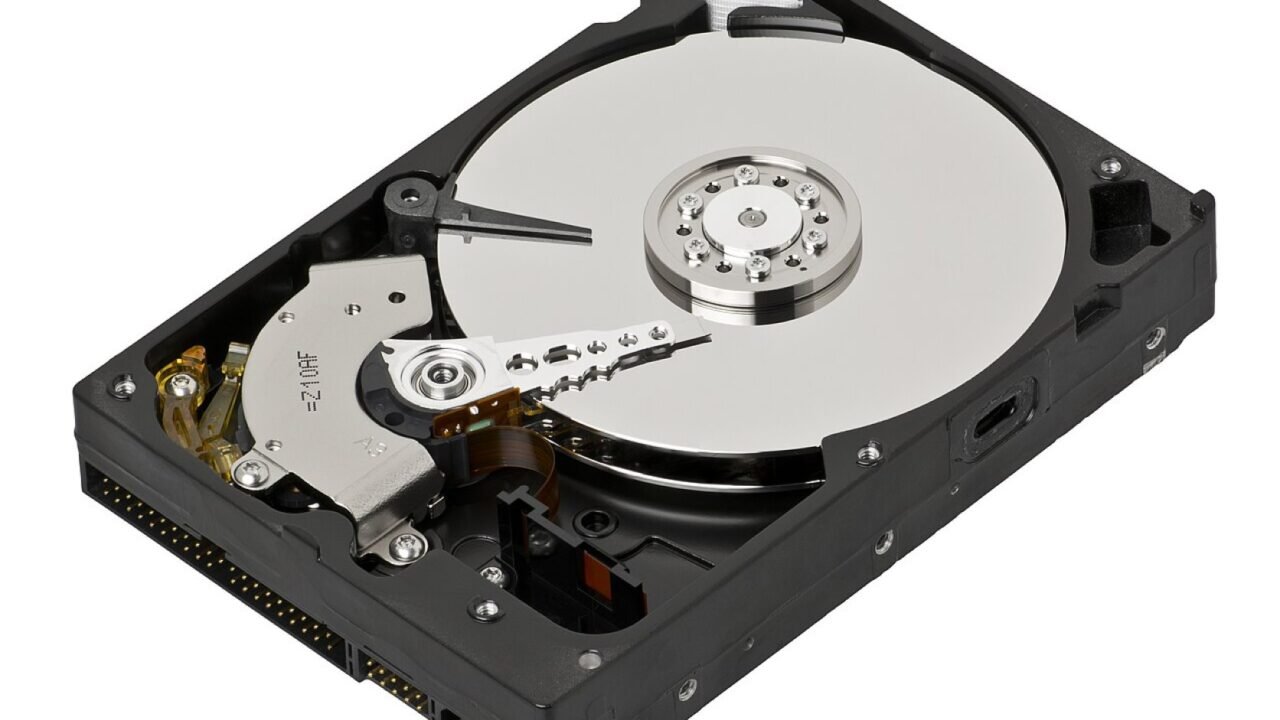
Featured image: 35-Desktop-Hard-Drive.jpg — CC BY-SA 3.0, via Wikimedia Commons. Cropped for this article. Source and licence details.