Matter was created to make it easier to configure and control smart home products across compatible ecosystems. The proposal is to reduce dependence on improvised integrations: the same certified accessory can be added to different platforms, within the categories and versions that each one supports.
The seal helps, but it does not alone answer whether the product uses Wi-Fi or Thread, whether it requires a hub, which functions are available or how long it will receive updates. Shopping improves when these questions are asked before opening the box.
Matter Is A Common Language#
The standard defines common ways to identify, configure, and control devices. A compatible lamp, outlet, or lock exposes intended capabilities for authorized controllers to understand basic commands. This reduces the need for each brand to create an exclusive bridge for each platform.
Interoperability does not mean that all applications will have identical screens. Manufacturer-specific features may remain in the original application, while turning on, adjusting, or automating common functions appears in other controllers. The standard version and device category also influence.
Wi-Fi, Ethernet and Thread Carry Commands#
Matter does not replace the network. Products that are plugged in and transfer more data can use Wi-Fi or Ethernet. Low-power sensors can use Thread, a mesh network designed for connected devices. Bluetooth usually participates in the initial configuration, but is not necessarily the daily route of commands.
A Matter over Thread product needs a Thread edge router to integrate with the home’s IP network. Google’s guidance on Matter and Thread hubs lists examples and explains this function. The smart device organization and protection guide addresses the network as a whole.
Controller and edge router have different roles#
The controller coordinates the house within a platform: it adds devices, executes commands and participates in automations. The edge router connects the Thread network to the home network. The same device can fulfill both functions, but this needs to be documented.
Before purchasing a Thread accessory, confirm that there is already a compatible edge router in your home. Having just one cell phone with the app does not guarantee continuous operation. For Wi-Fi, check supported band and signal quality at the installation location.
Multi-admin Allows More Than One Platform#
An important feature of Matter is sharing the device with more than one supported ecosystem. This way, people in the house can use different controllers without depending on a single central account. Sharing must be initiated by someone authorized and may generate new codes or confirmation steps.
This is not equivalent to publishing the device on the internet. Each platform maintains its users, permissions, history and services. Review who has access to all of them when someone moves, a cell phone is lost or an account stops being used.
Configuration Code Deserves Care#
The QR Code or numeric code on the packaging helps to include the product in the home. Keep a copy in a protected location after installation, as it may be needed in a reset. Do not post legible photographs of the code or discard the label before documenting it.
If setup fails, confirm power, proximity, Bluetooth, network, and hub compatibility. Repeatedly resetting without recording the state can leave duplicate entries in applications. Follow the manufacturer’s procedure and remove incomplete attempts before starting over.
Compatibility Needs to be Checked by Function#
Look for the Matter badge, product category, network technology, and declared platforms. Then, check if the chosen platform supports that category and the desired features. The list grows with updates, but availability varies by country, version and manufacturer.
Google’s documentation for configuring Matter devices shows requirements such as hub, IPv6, Bluetooth, and minimum versions. Use this type of list before purchasing, adapting it to the platform you use.
Privacy and Support Remain Important#
Matter can enable local control in many situations, but manufacturers and platforms can still offer cloud, history, remote access, and wizards. Read what data each service collects and disable unused integrations. Cameras and locks deserve special attention for guests, recordings and notifications.
The seal also does not alone define the duration of support. Search for firmware updates, vulnerability pipeline, and end-of-life procedures. An interoperable but abandoned product continues to require a decision on isolation or replacement.
A Curiosity About Open Standards Between Brands#
Before Matter, many houses mixed separately created bridges and integrations. The new standard emerged from collaboration between companies that continue to compete on applications, services and devices. This explains the coexistence between a common base and exclusive resources.
Standards mature through versions. A function that does not appear today may depend on updating the accessory, hub and application. Buying based solely on a future promise is riskier than checking out the resource already available.
Conclusion#
Matter reduces friction between brands by offering a common language, but still relies on network, controller, hub and support. Identify whether the device uses Wi-Fi, Ethernet or Thread, confirm the necessary infrastructure and check the desired function on each platform.
The best gains appear when the house becomes simpler to manage. Document code, access and updates so that interoperability does not create a new invisible list of permissions.
Frequently Asked Questions#
Does Matter Work Without Internet?#
Some local commands may work, but configuration, remote access, updates, and platform services may depend on the internet. Behavior varies by product.
Does Every Product Matter Need a Hub?#
In practice, the platform needs a controller, and Thread products need an edge router. Some devices combine these functions.
Can I Use the Same Device on Two Platforms?#
The multi-admin feature is designed for this, as long as the product and platforms support the required category and version.
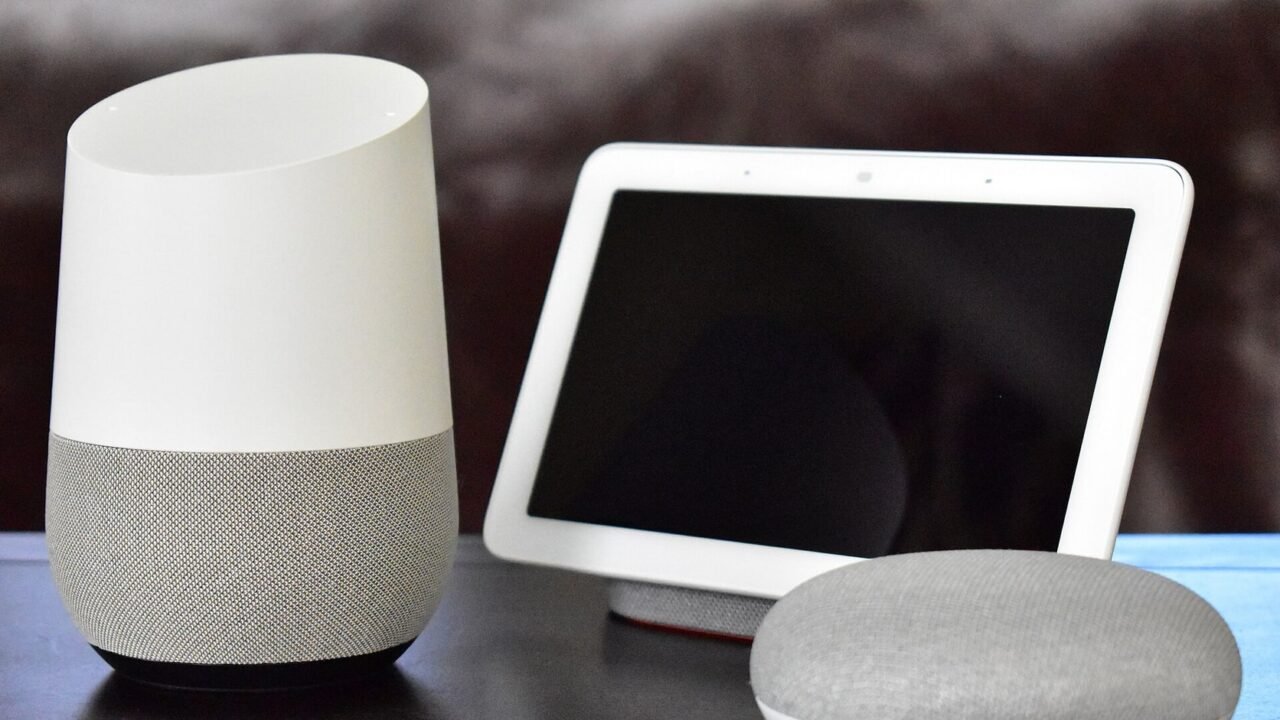
Featured image: Photo: Y2kcrazyjoker4 — CC BY-SA 4.0, via Wikimedia Commons. Cropped for the featured image. Source and attribution.