Battery percentage alone lacks context. A phone used for navigation in weak coverage behaves differently from one sitting on Wi-Fi with the display off.
Start with a comparable window#
Charge normally, record the starting time and percentage, and use the phone for a representative day. Note display-on time, mobile signal conditions, hotspot use, navigation, camera, gaming, and temperature.
For this step, write down what you expected, what actually happened, and whether the result was repeatable. A single successful attempt can be useful, but it is not yet a stable conclusion. Repeat the smallest safe test before moving to the next layer.
Read battery usage by app and system#
Look for activity that does not match your use. Background activity can be legitimate for navigation, uploads, or calls. Compare several days before removing an application that appears once.
For this step, write down what you expected, what actually happened, and whether the result was repeatable. A single successful attempt can be useful, but it is not yet a stable conclusion. Repeat the smallest safe test before moving to the next layer.
Test the largest variable#
If mobile signal is weak, compare a similar period on stable Wi-Fi. If display use dominates, test brightness and screen timeout. If the phone is hot while idle, restart and check updates before deeper changes.
For this step, write down what you expected, what actually happened, and whether the result was repeatable. A single successful attempt can be useful, but it is not yet a stable conclusion. Repeat the smallest safe test before moving to the next layer.
Separate runtime from battery health#
A healthy battery can drain quickly under demanding conditions, while an aged battery may show reduced maximum capacity or unexpected shutdowns. Follow the manufacturer’s service guidance for swelling or a service warning.
For this step, write down what you expected, what actually happened, and whether the result was repeatable. A single successful attempt can be useful, but it is not yet a stable conclusion. Repeat the smallest safe test before moving to the next layer.
How to keep the test controlled#
Protect data and personal safety before chasing performance. Back up irreplaceable files, disconnect power when the manufacturer requires it, and stop if a battery is swollen, liquid is present, or the procedure requires tools and training you do not have. Use official diagnostics first and record model, firmware, operating-system version, power mode, and the workload that reproduces the symptom.
Use a simple worksheet with five columns: time, starting condition, action, observable result, and rollback status. Attach screenshots only when they show the relevant setting or error. This record prevents circular troubleshooting and gives support a concise history of what has already been ruled out.
Decision checkpoint#
Reset the device only after backup and after simpler controlled tests fail. A reset erases evidence and creates setup work without repairing a physically aged cell.
What this guide does not prove#
Battery screens estimate and categorize activity; they do not measure every radio event precisely. Comparisons across different days require similar use and signal conditions.
Document the result#
Keep a short record with the date, device and software versions, original setting, change, result, and whether you restored it. Remove account names, addresses, serial numbers, public IP addresses, and other personal data before sharing screenshots with a forum or support team.
Related Portal Tech field guides#
References#
Questions readers usually ask#
Should I change several settings to save time?#
No. Multiple simultaneous changes make the result difficult to interpret and can create a second problem. Preserve a baseline and retest after each meaningful change.
When should I contact support?#
Contact the responsible provider or manufacturer when the fault is reproducible, the documented safe steps are exhausted, the equipment reports a safety warning, or the required action exceeds your access or experience.
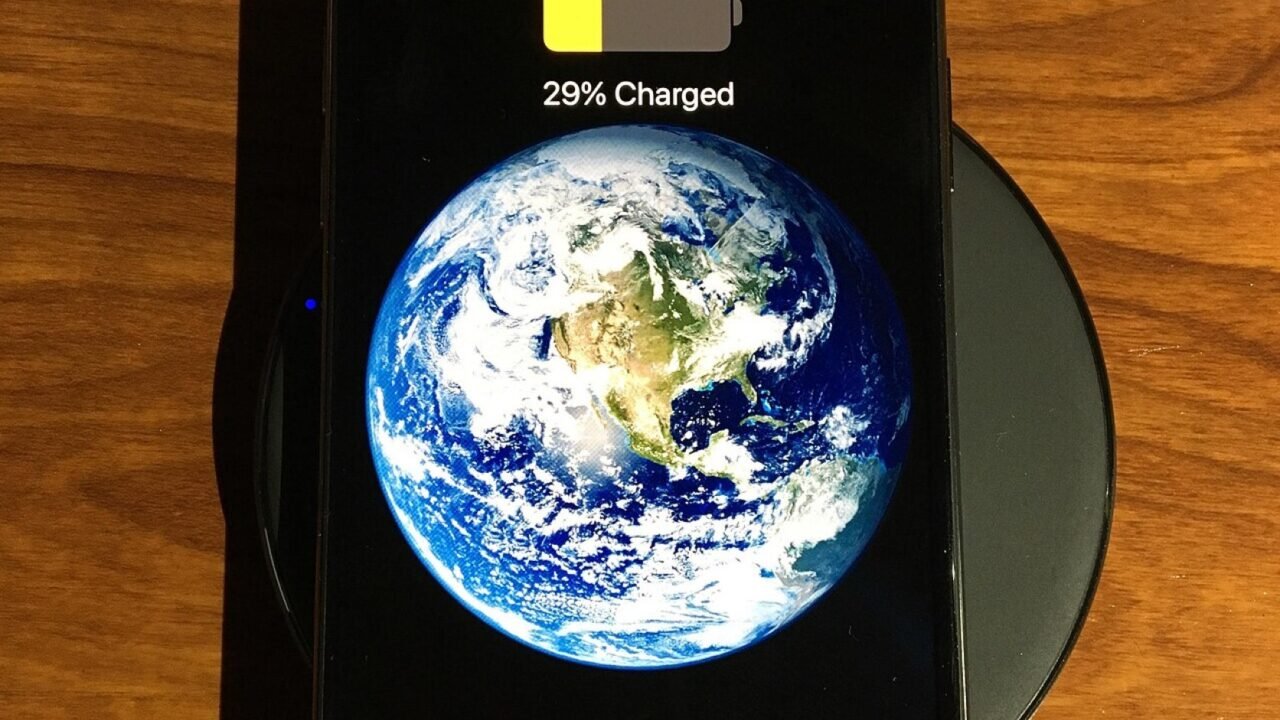
Featured image: Phone wireless charge.jpg — CC BY-SA 4.0, via Wikimedia Commons. Cropped for this article. Source and licence details.